Month DayGrid
Multi-day events, adjacent dates, and event overflow.
Try exampleSearch the implemented views, event behavior, integrations, and Premium modules. Each item links to a runnable example or its integration guide.
MUI, shadcn/ui, Angular Material, responsive day labels, and automatic event contrast →
Building appointments or resource allocation? See the embedded scheduling calendar guide →
94 features
Multi-day events, adjacent dates, and event overflow.
Try exampleWeek and day layouts without hourly slots.
Try exampleHourly slots, overlapping events, and an all-day row.
Try exampleResponsive multi-month and annual grids.
Try exampleDay, week, month, year, and custom-range lists.
Try exampleConfigure view duration, alignment, and navigation increments.
Try exampleStable IDs and create, update, remove, and batch operations.
Try exampleLoad events directly or through customer-controlled data sources.
Try exampleRead public or authorized calendars with the optional source adapter.
Read guideParse and serialize ICS data with an optional plugin.
Try exampleWeekly recurrence, exclusions, and occurrence editing.
Try exampleRules, recurrence sets, additional dates, and exceptions.
Try exampleLocal, UTC, and IANA time zones with date-adapter handling.
Try exampleForeground, background, inverse, hidden, and ordered events.
Try exampleBounded range reuse, invalidation, and explicit refresh.
Try examplePagination, cancellation, retry, and validation contracts.
Read guideRefresh multiple sources with lifecycle tracking.
Try exampleApply changes to one occurrence or a recurring series.
Read guideTyped date clicks, event clicks, and hover lifecycle.
Try exampleSelect ranges with constraints and cancellation.
Try exampleMove events with pointer, touch, or supported keyboard controls.
Try exampleAdjust event boundaries with validation and rollback.
Try exampleTurn external elements into draggable event sources.
Read guideCopy or move events with receive and leave callbacks.
Read guideLong press, movement thresholds, and scroll cancellation.
Try exampleNavigation, activation, editing, and Escape cancellation.
Try examplePending, accepted, rejected, error, and revert states.
Read guideAvailability windows, overlap policies, and allow callbacks.
Try exampleReversible event mutations with history state.
Try exampleAnchored, non-modal event lists that reposition around the trigger and keep the page usable.
Try exampleCompose navigation, title, view, and custom controls.
Read guideHeight, aspect ratio, expansion, and sticky elements.
Read guideBuilt-in themes with light, dark, and automatic modes.
Try exampleClasses, content, mount, and unmount callbacks.
Try exampleCustomize calendar cells and time-axis surfaces.
Read guideCustomize overflow, popover, and now-indicator surfaces.
Read guideTyped view descriptors and structural hooks.
Try exampleLocale text, date formatting, week rules, and direction.
Try exampleControl visible weekdays and weekend display.
Try exampleOptional formatting plugins for existing date libraries. Migration tooling is premium.
Read guide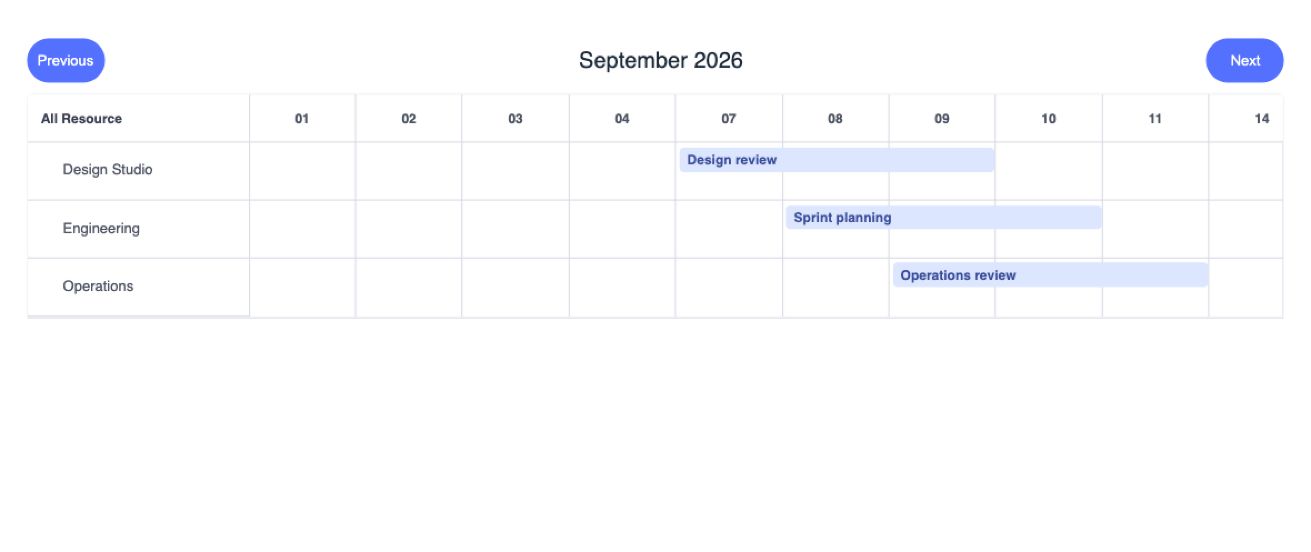
Organize events into resource lanes.
Preview & documentation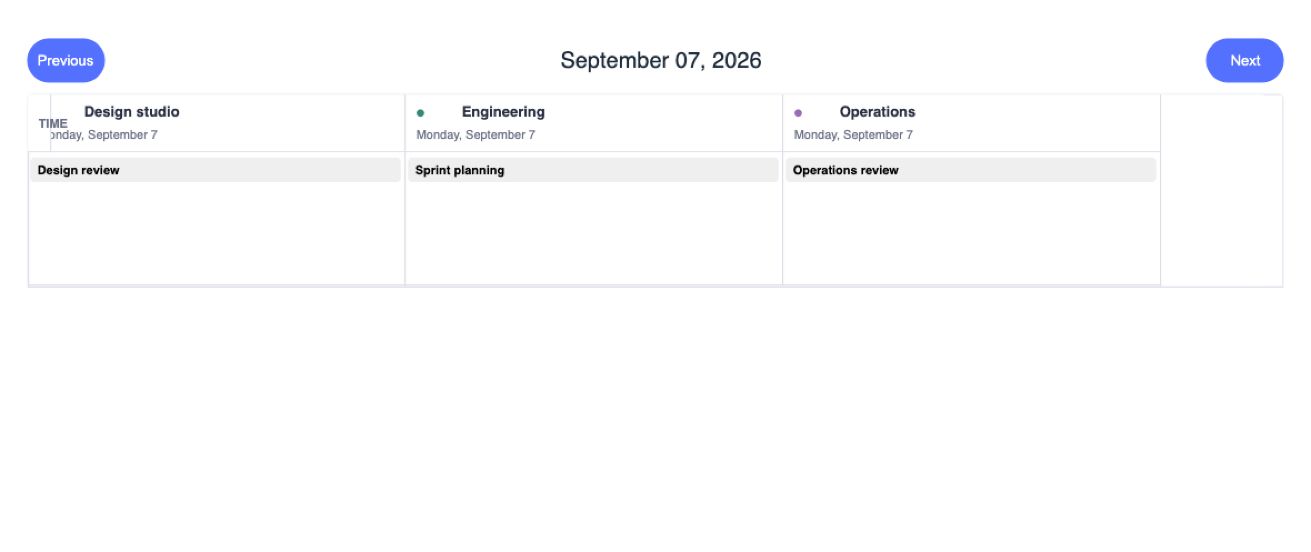
Day and week grids grouped by resource.
Preview & documentation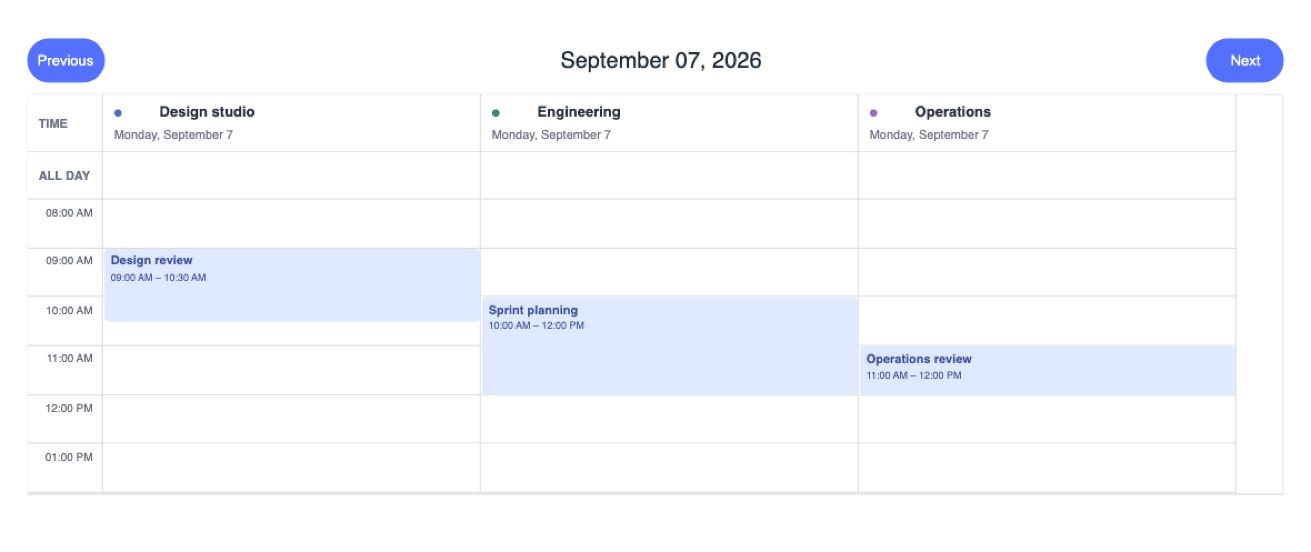
Hourly day and week schedules with resource columns.
Preview & documentation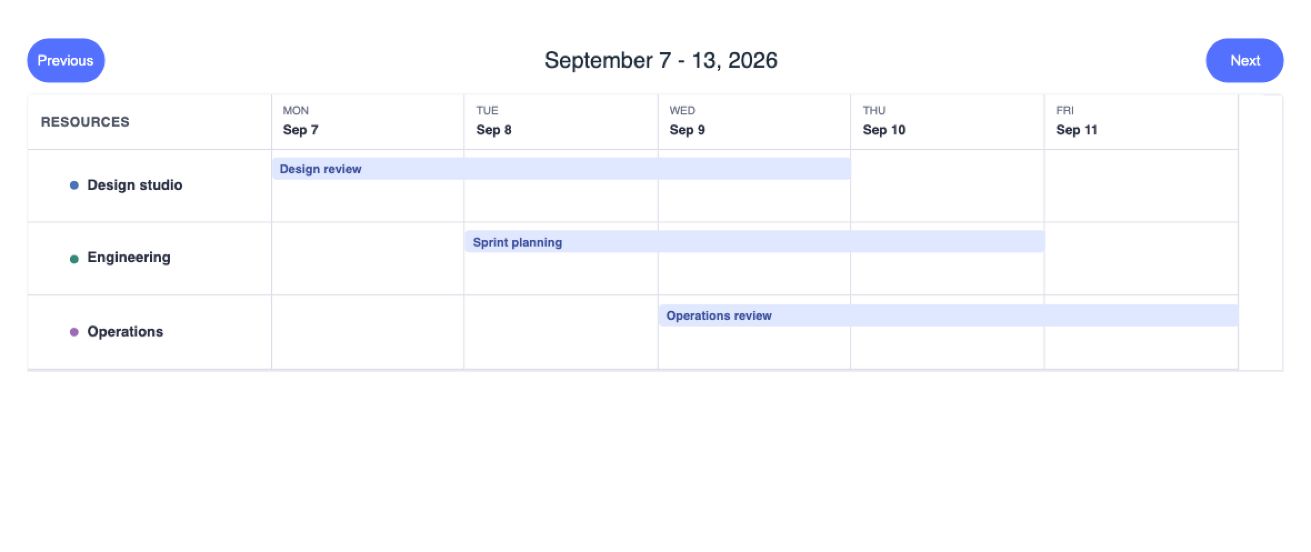
Horizontal scheduling along a configurable time axis.
Preview & documentation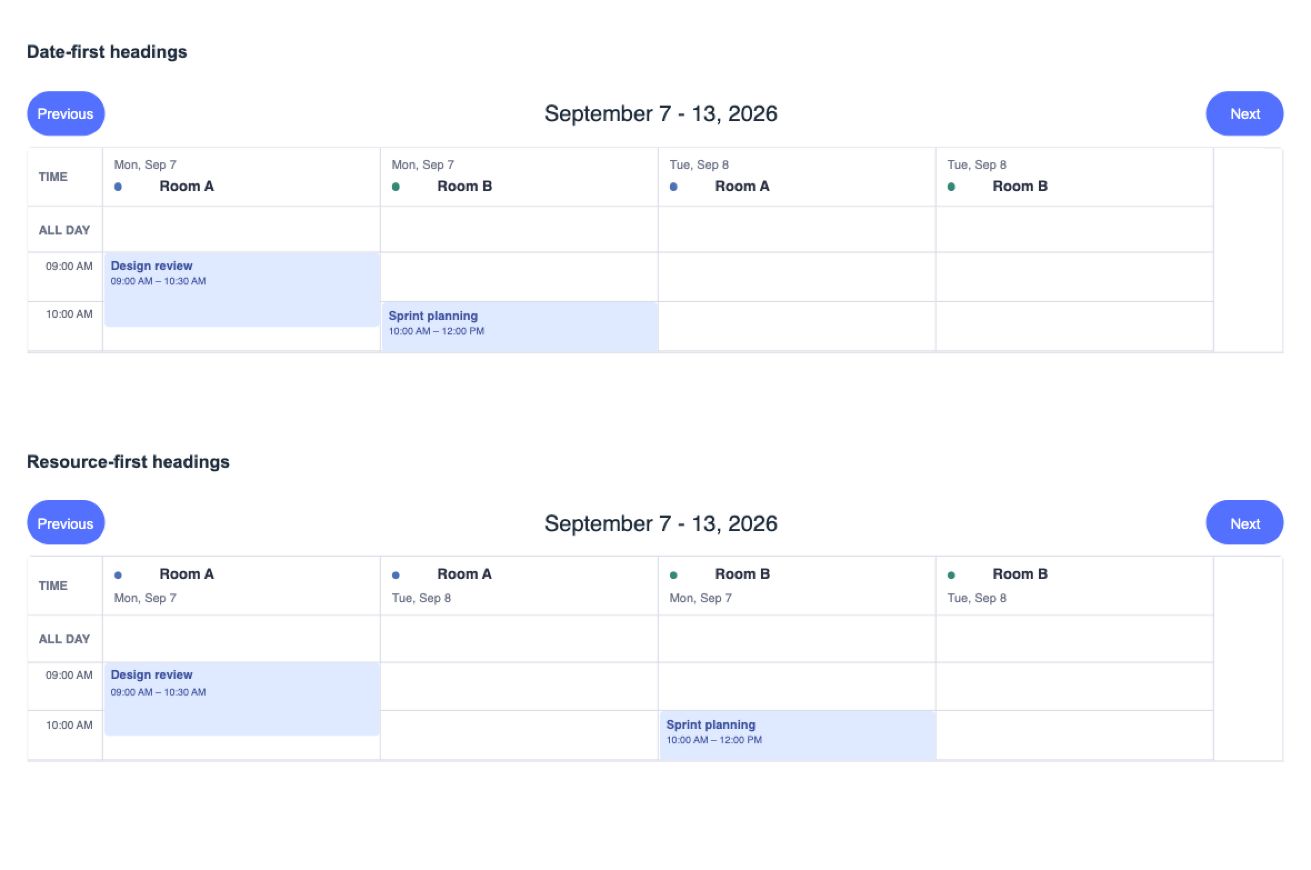
Choose the date and resource header arrangement.
Preview & documentation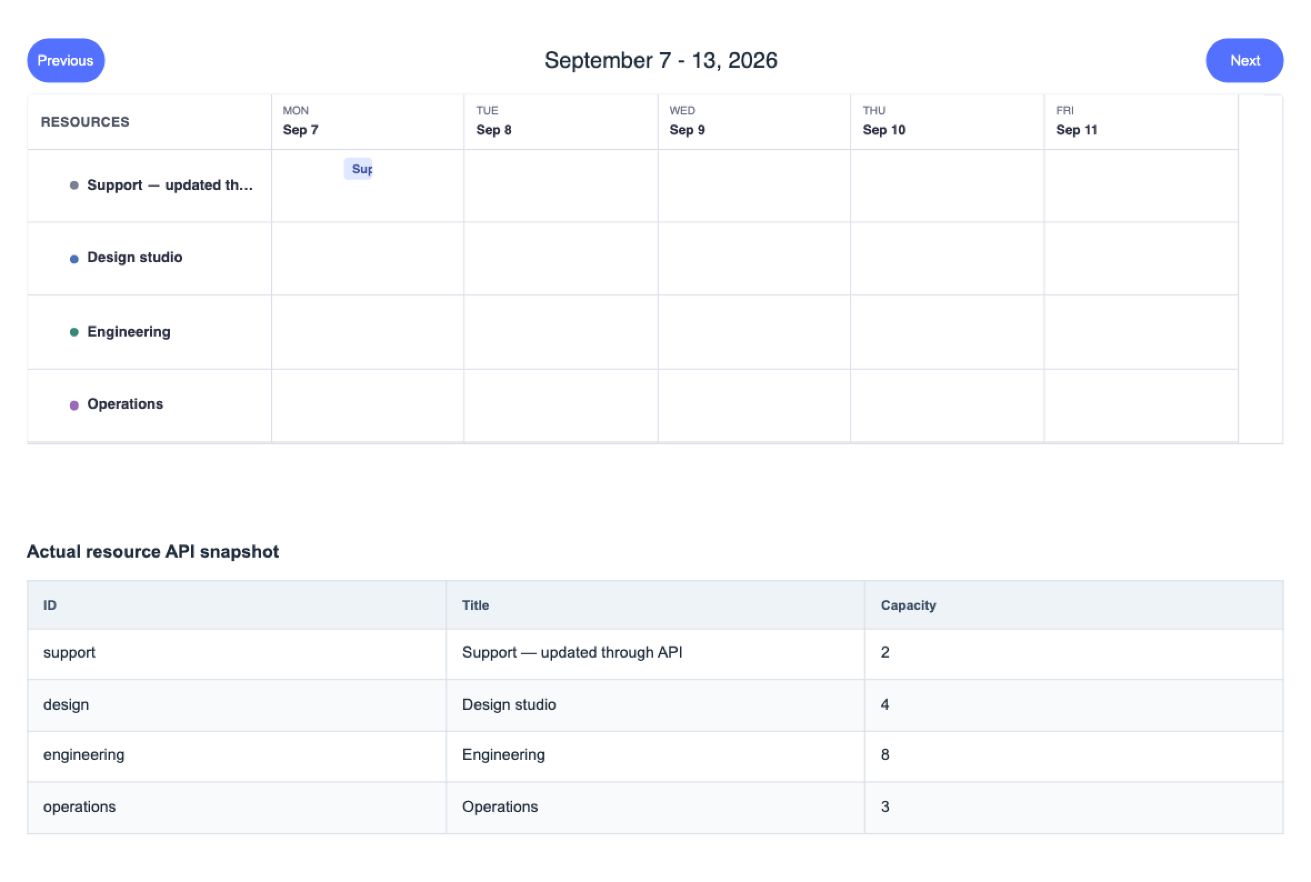
Manage resource records, loading, and pagination.
Preview & documentation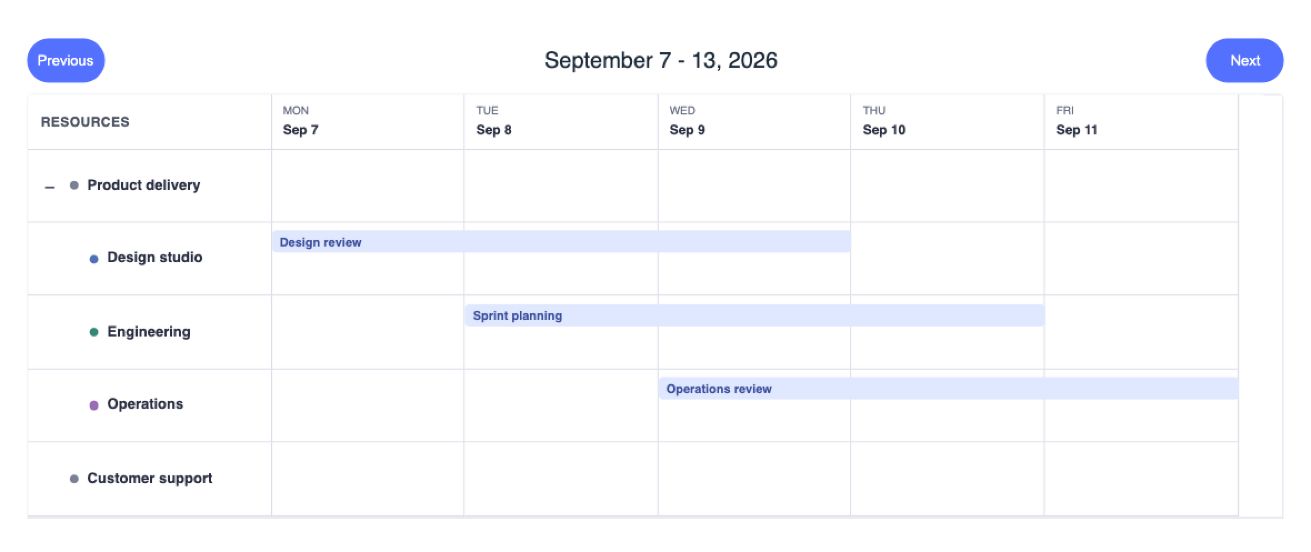
Parent-child resources with expandable groups.
Preview & documentation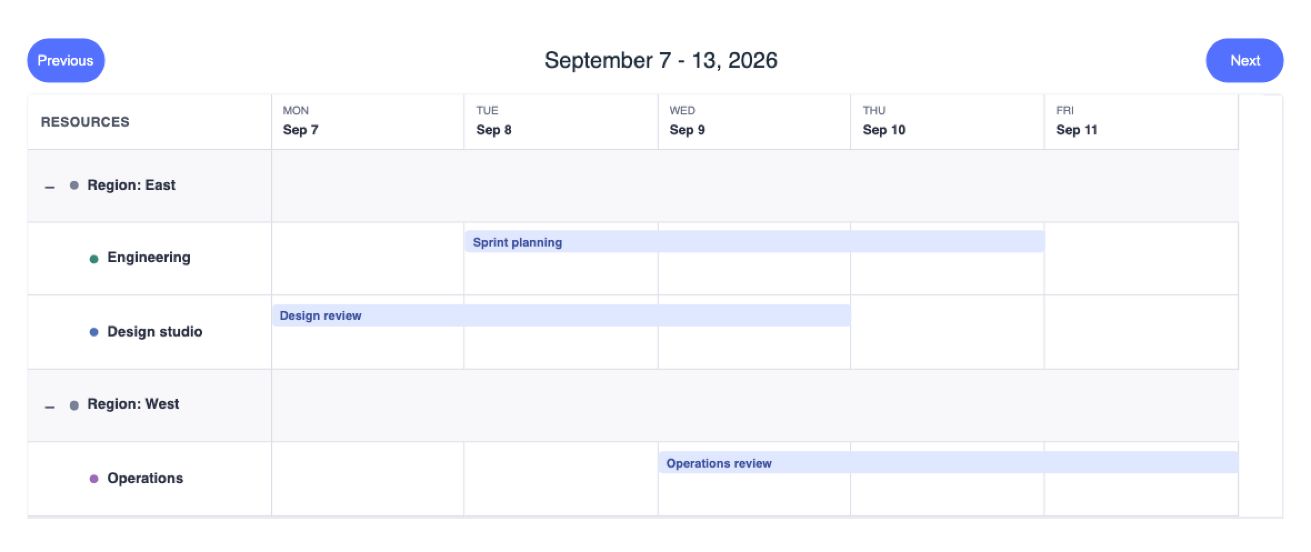
Organize resources with fields, comparators, and nested groups.
Preview & documentation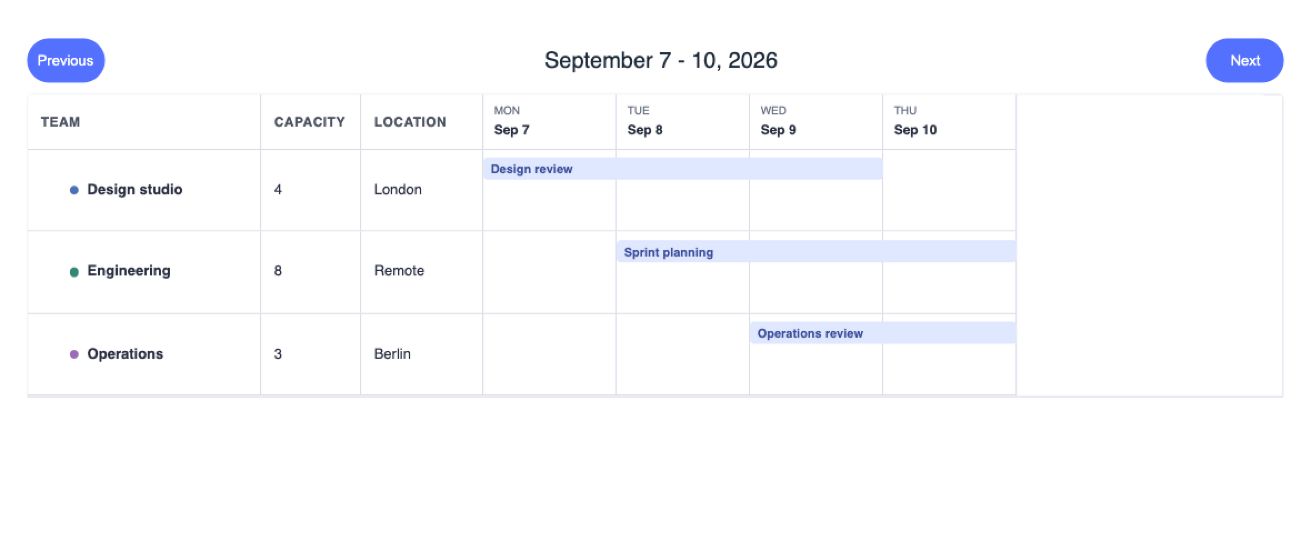
Resizable columns and resource-specific content and lifecycle hooks.
Preview & documentation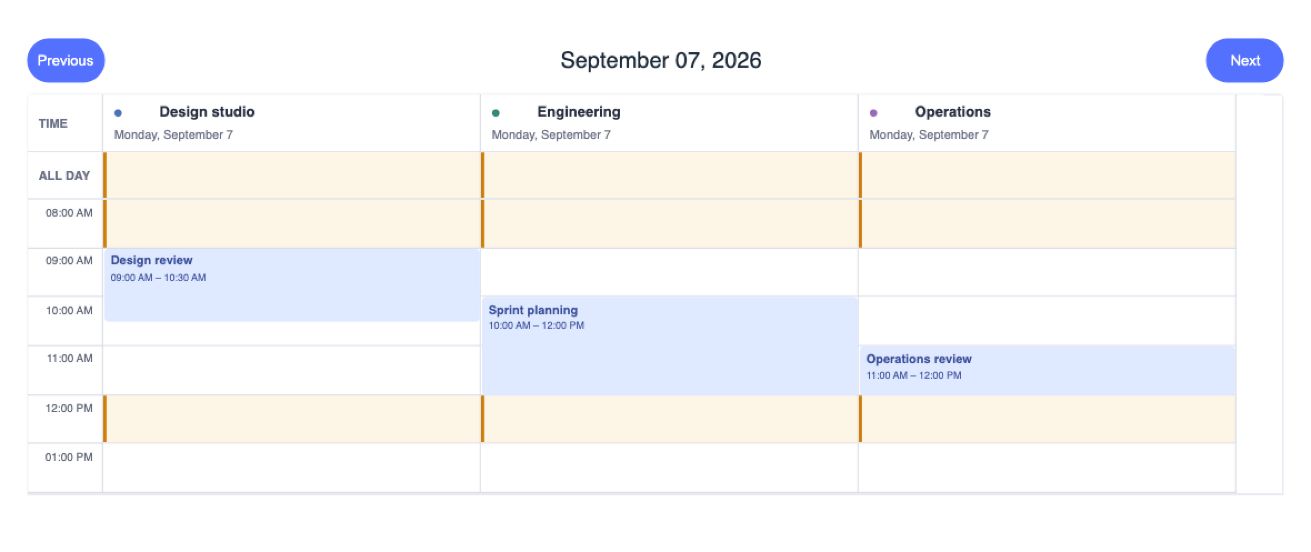
Per-resource hours and assignment validation.
Preview & documentation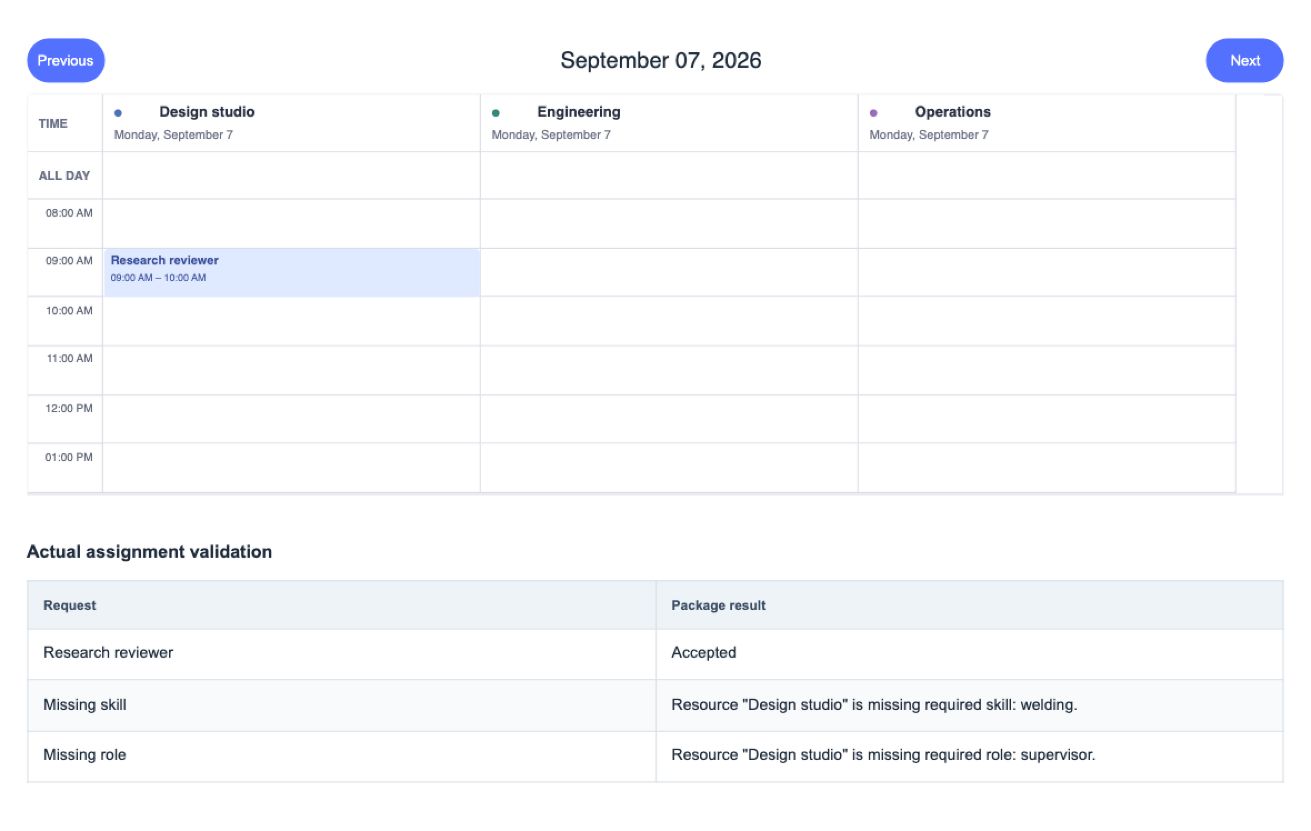
Weighted capacity and declarative scheduling requirements.
Preview & documentation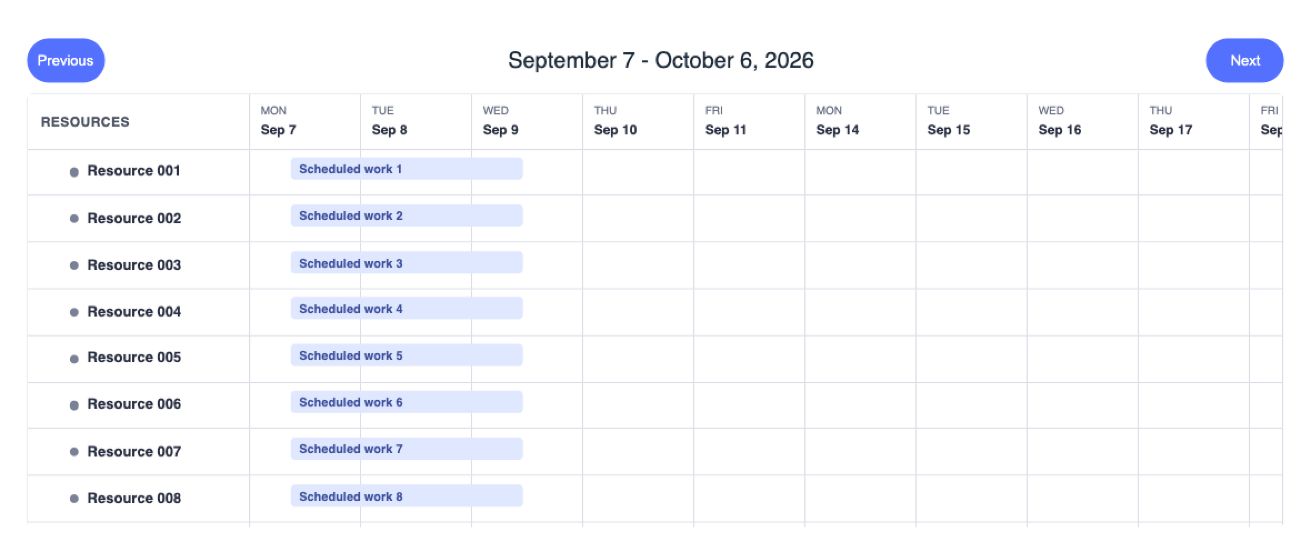
Large scheduling surfaces and print layouts.
Preview & documentation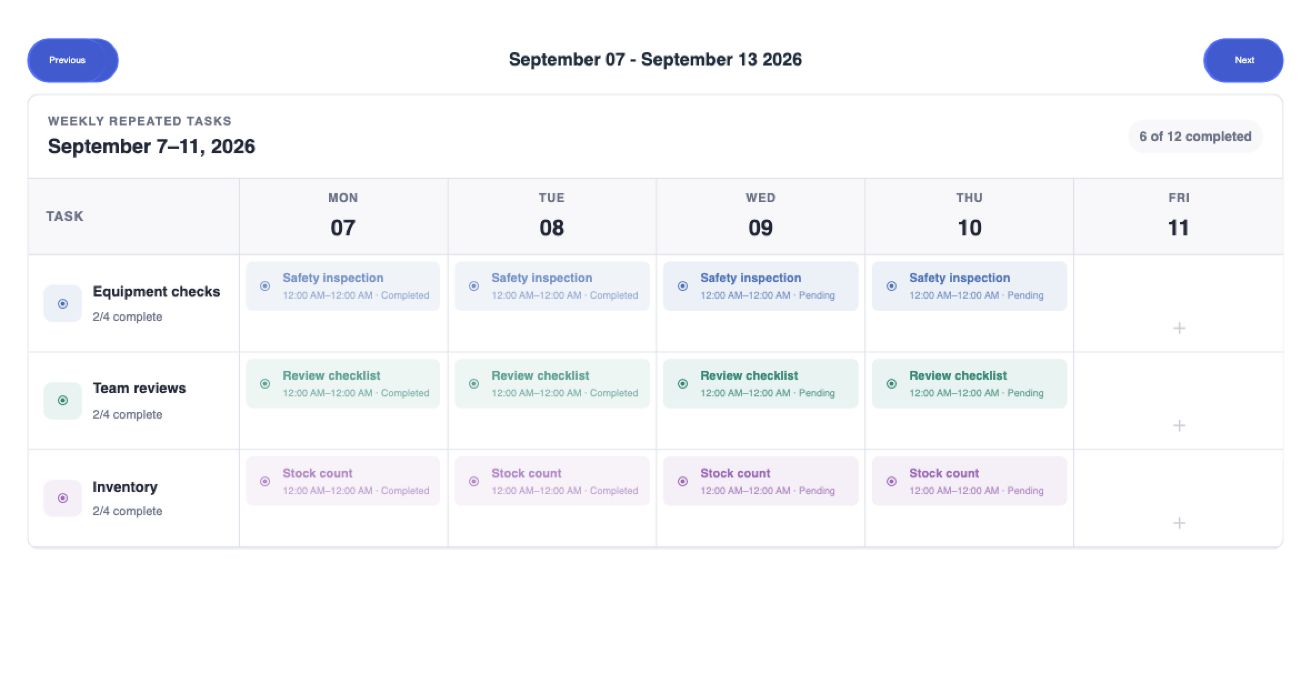
Monthly and weekly repeated-task schedules.
Preview & documentation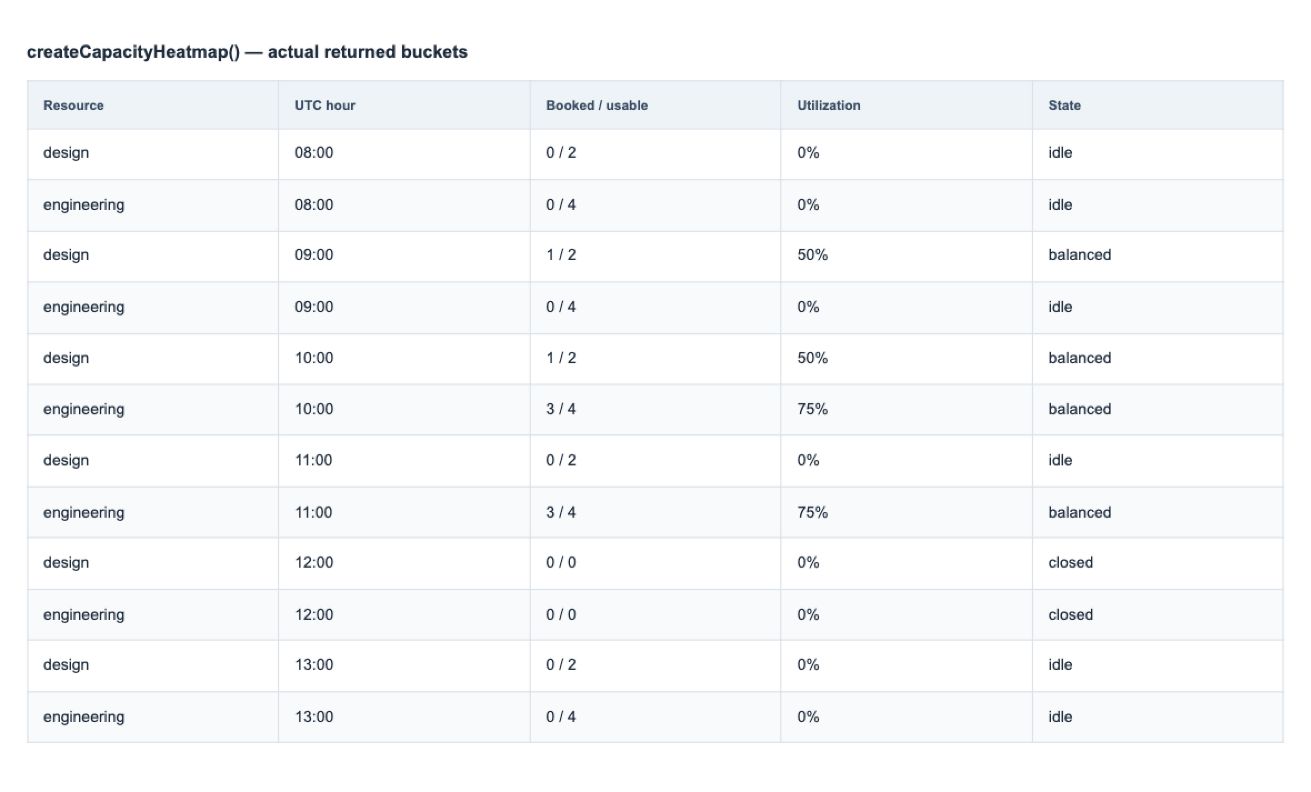
Expose resource usage and available capacity.
Preview & documentation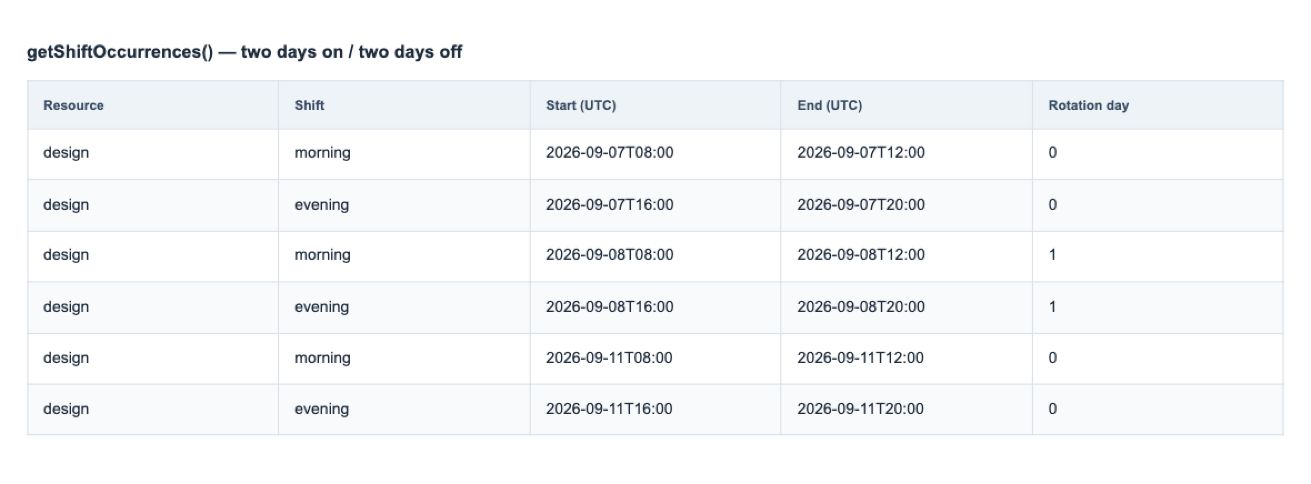
Model shift segments and repeating rotations.
Preview & documentation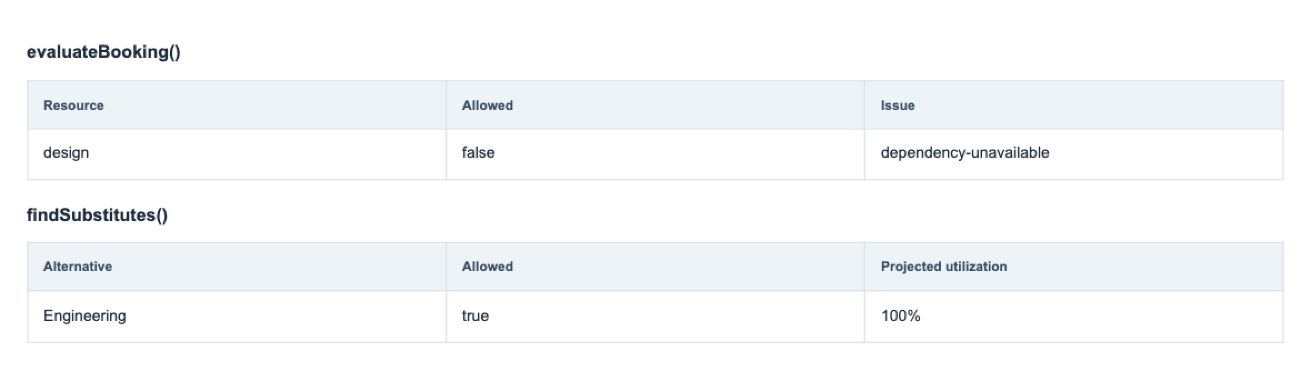
Describe dependent resources and replacement choices.
Preview & documentation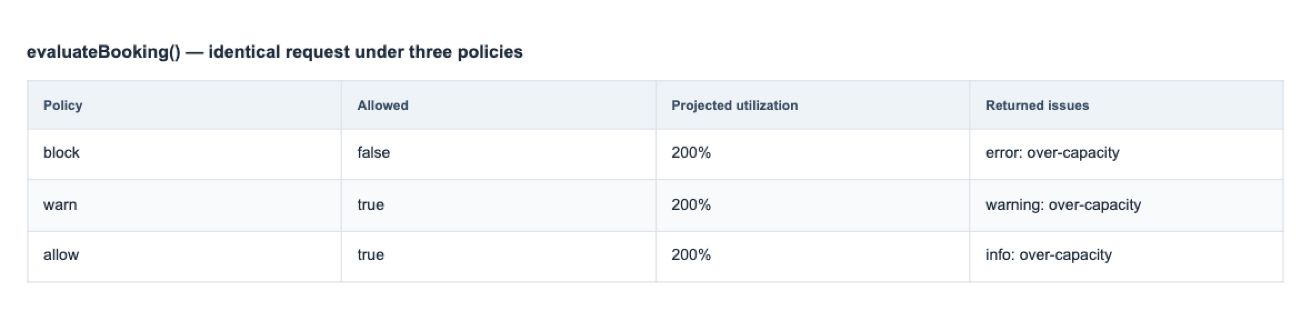
Configure and evaluate resource overbooking rules.
Preview & documentation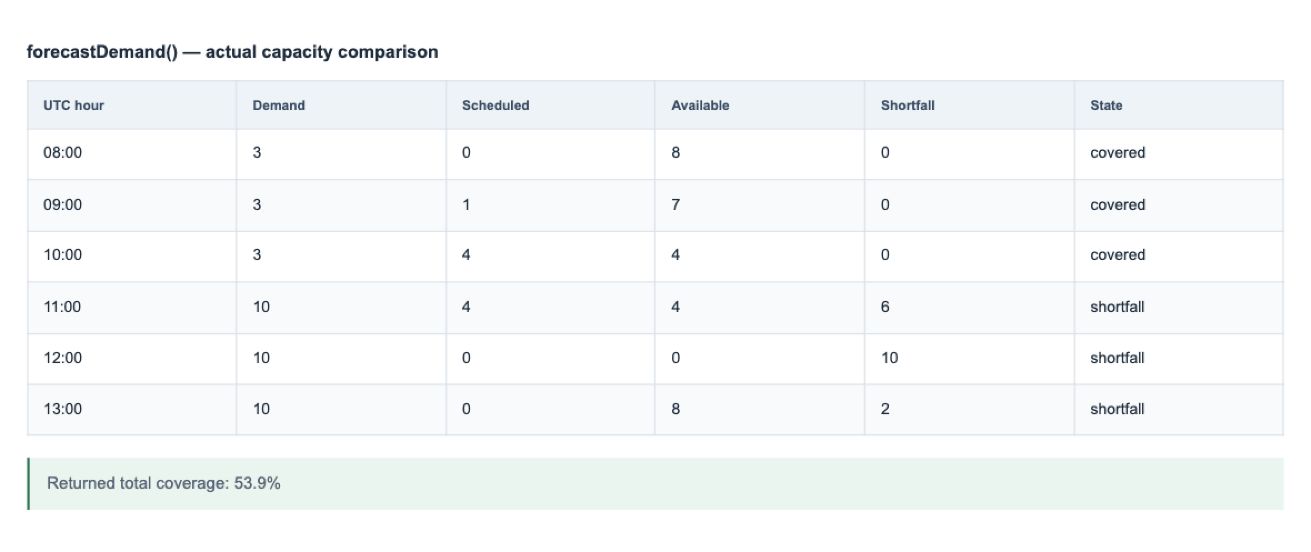
Compare planned demand with modeled availability.
Preview & documentation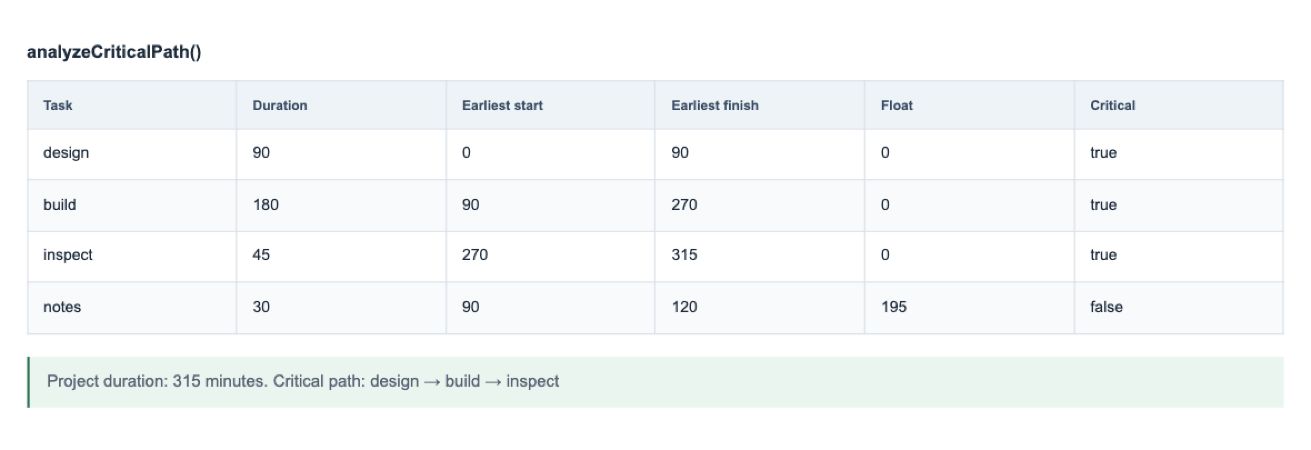
Analyze task dependencies and critical-path indicators.
Preview & documentation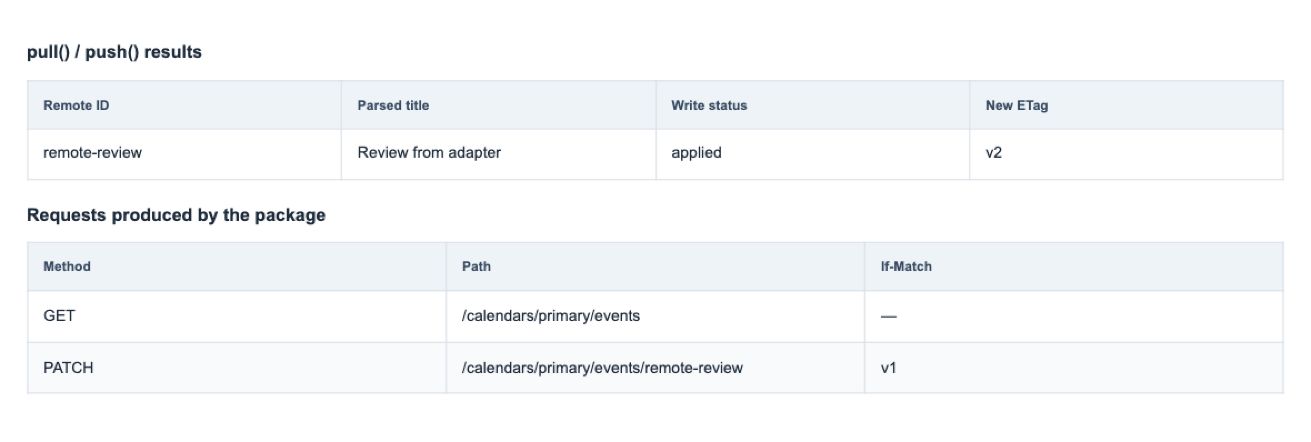
Reconcile changes with Google Calendar through customer-authorized adapters.
Preview & documentation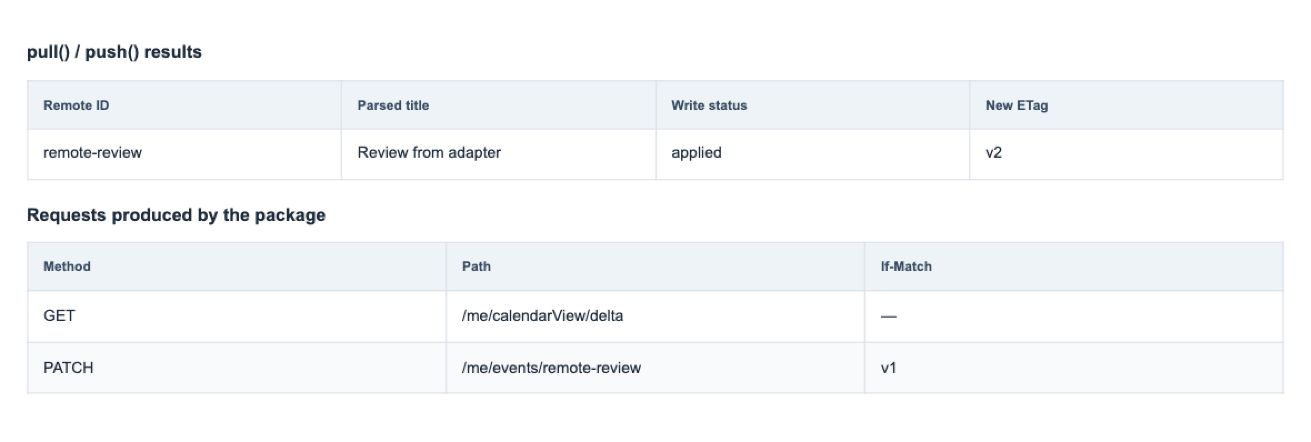
Integrate Microsoft calendars with customer-managed authentication.
Preview & documentation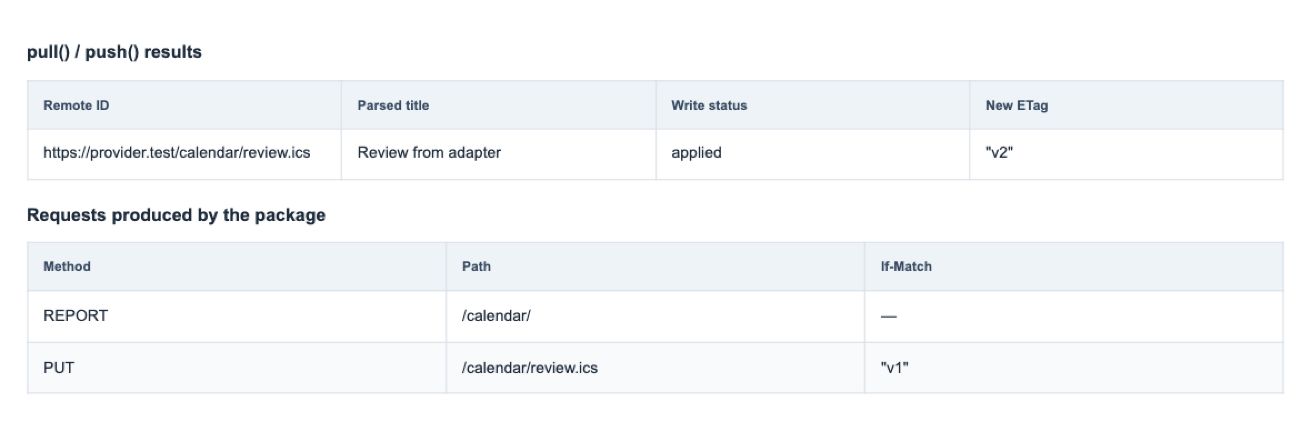
Connect compatible CalDAV services through an adapter.
Preview & documentation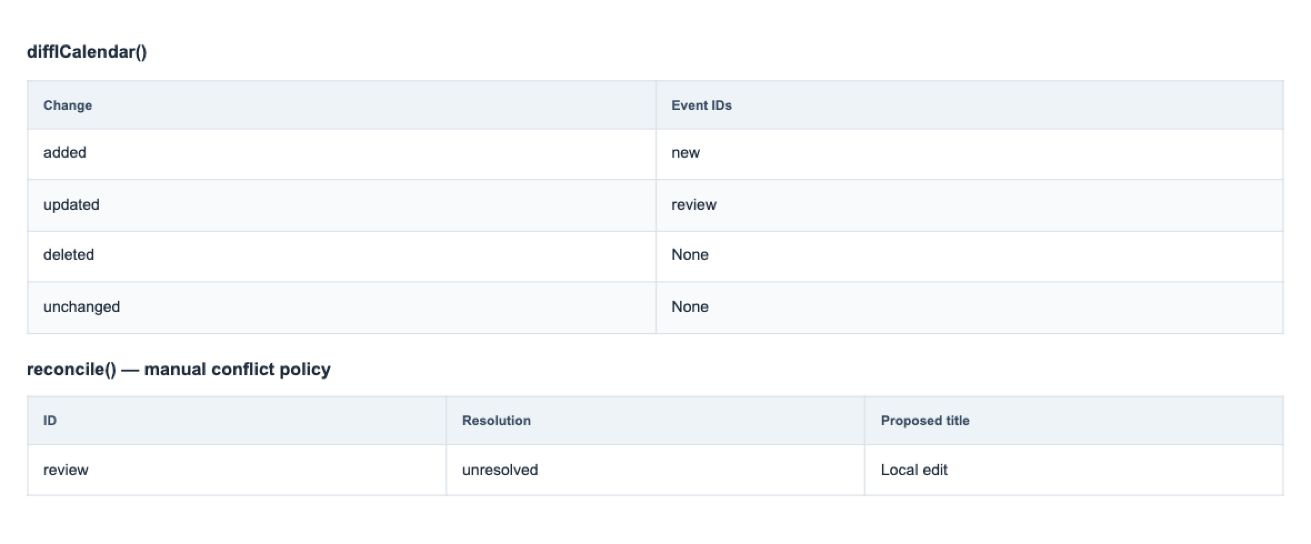
Detect and reconcile feed changes.
Preview & documentation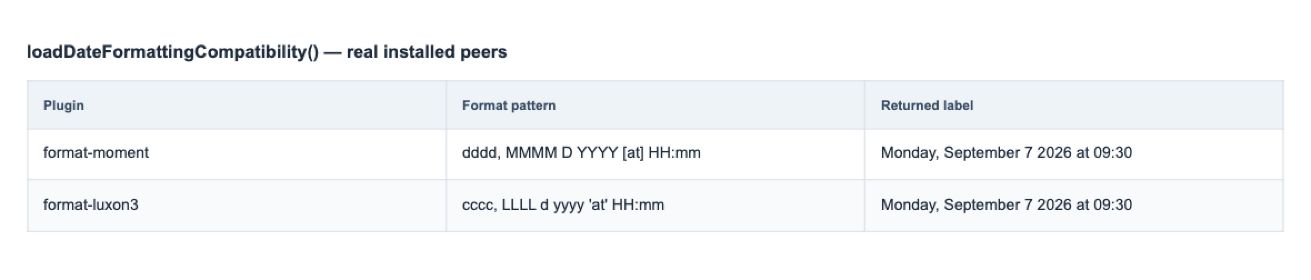
Translate legacy formatting configuration with migration diagnostics.
Preview & documentation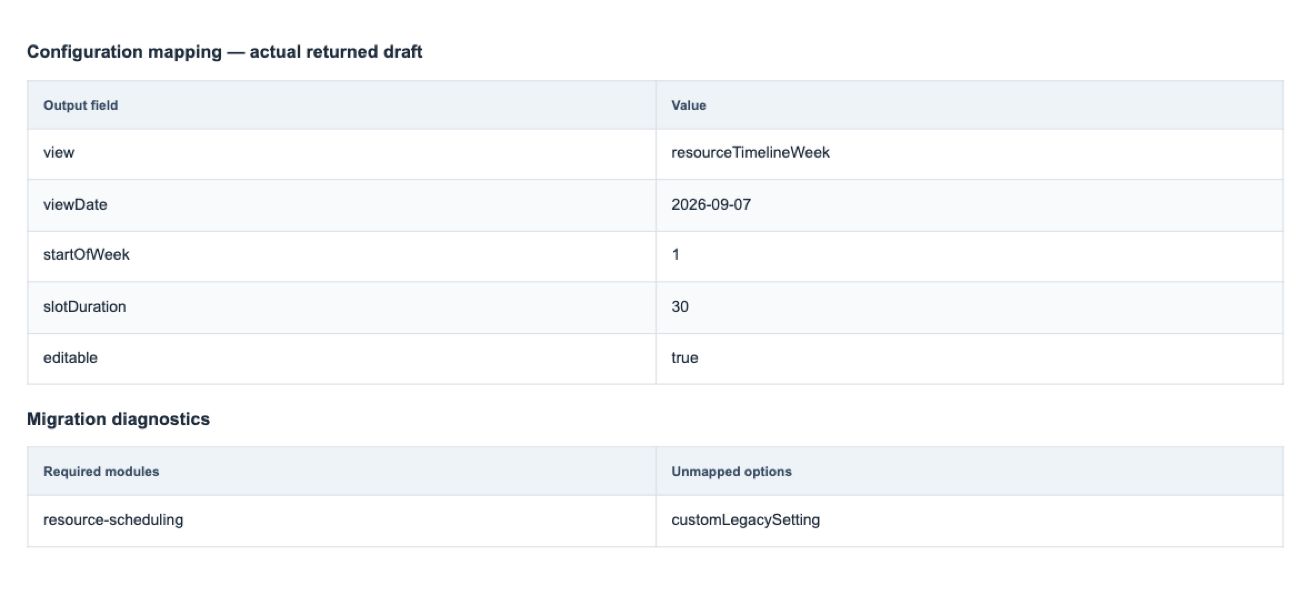
Convert supported legacy options and flag changes that need manual migration.
Preview & documentation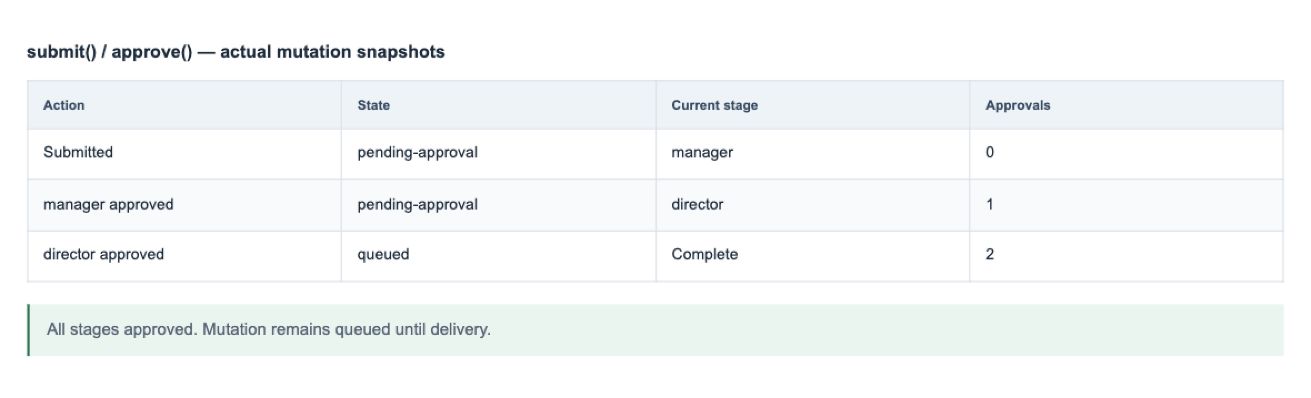
Compose approval stages through workflow hooks.
Preview & documentation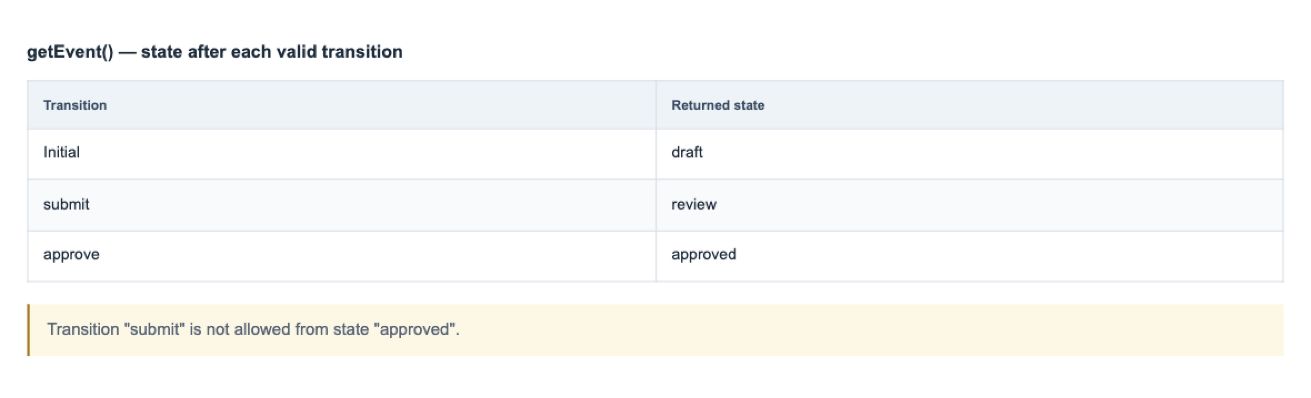
Model allowed event states and transitions.
Preview & documentation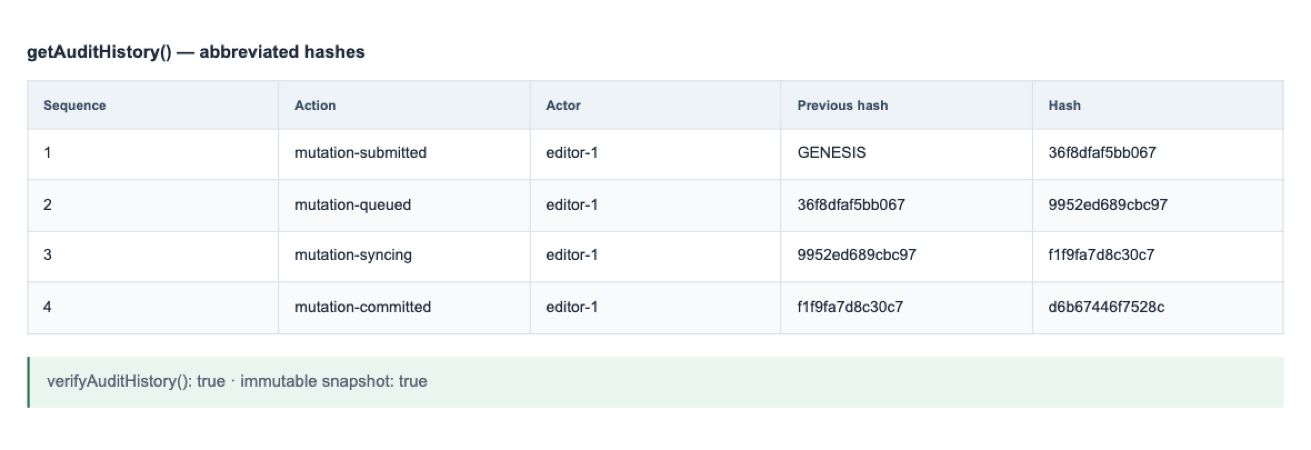
Create immutable audit snapshots; durable storage remains customer-managed.
Preview & documentation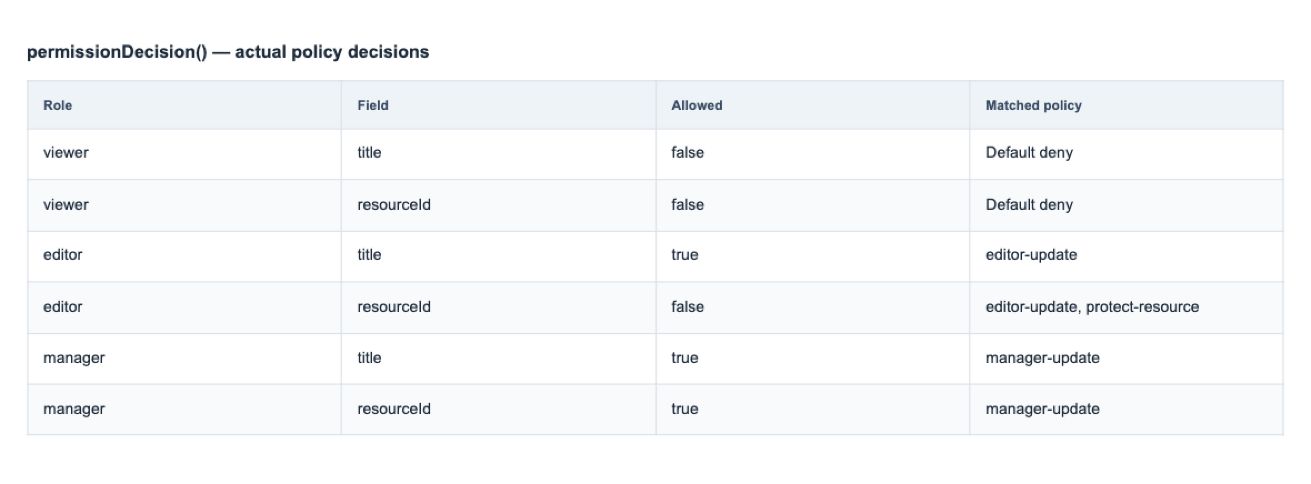
Apply editing policies; enforce authoritative access in your backend.
Preview & documentation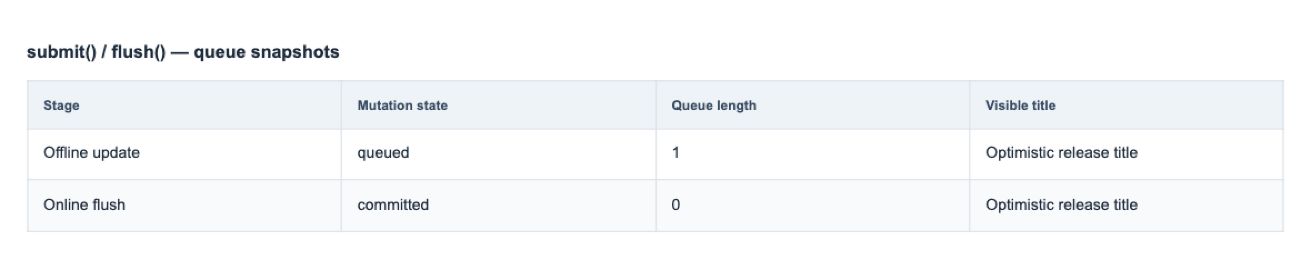
Queue and reconcile mutations with customer-provided persistence.
Preview & documentation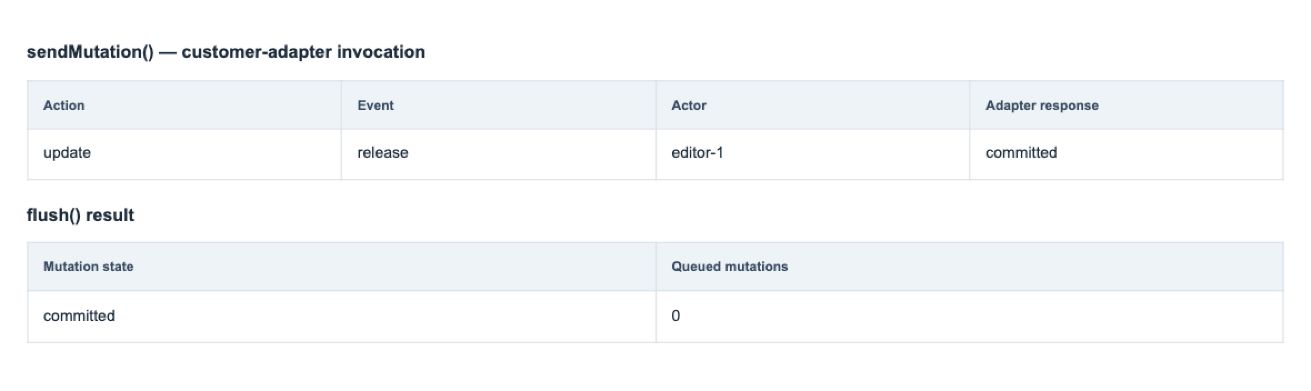
Connect workflow adapters to your organization’s infrastructure.
Preview & documentationTyped options, events, plugins, adapters, and callbacks.
Read guideImport the modules your application needs.
Read guideCreate plugins with views, dependencies, actions, and scoped cleanup.
Read guideValidate packaged plugin compatibility.
Read guideStandalone component, typed inputs, and a calendar controller.
Try exampleReact component with ref-based API access.
Read guideVue component with reactive options and API access.
Read guideUse a custom element outside a framework.
Read guideAndroid/iOS integration package. Device validation is a separate step.
Read guideCreate, edit, duplicate, and delete without building a form from scratch.
Try exampleDiagnostics and runtime inspection utilities.
Read guideDeterministic data and calendar testing helpers.
Read guideTyped contracts for customer-controlled data integration.
Read guideBatch updates, await idle state, and clean up resources.
Read guideImport adapters safely; the web calendar mounts in the browser.
Read guideCalendar landmarks, accessible names, and state labels.
Try exampleKeyboard focus recovery and interaction announcements.
Try exampleKeyboard operations supplement pointer interaction.
Try examplePrint standard calendar views from the browser.
Try exampleIntegration guidance and automated coverage; not a substitute for manual assistive-technology checks.
Read guideDocumented test coverage and consumer validation procedures.
Read guideKeep provider credentials, tokens, and customer data out of public demos.
Read guideConfiguration mapping, integration guidance, and issue diagnosis.
Read guide